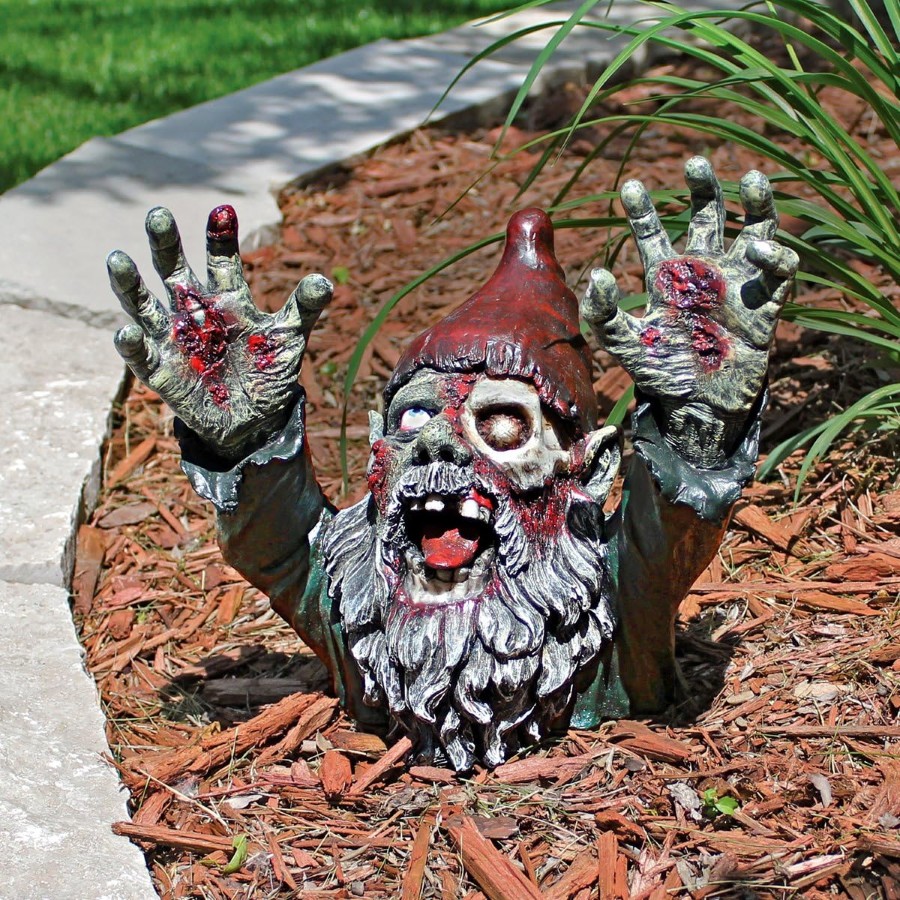
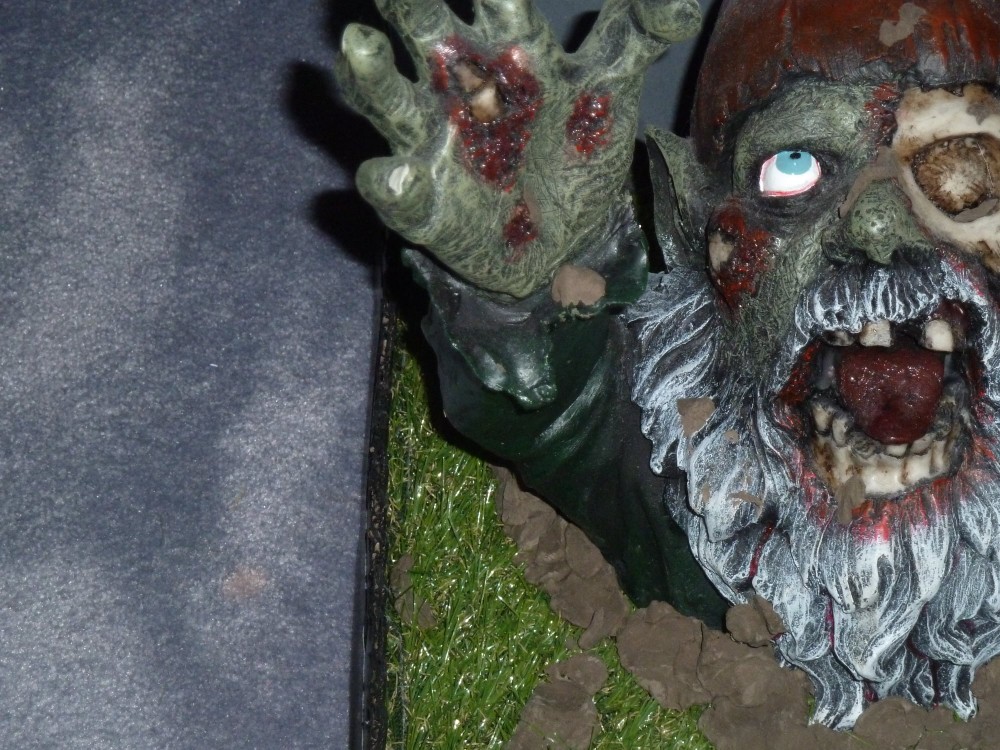
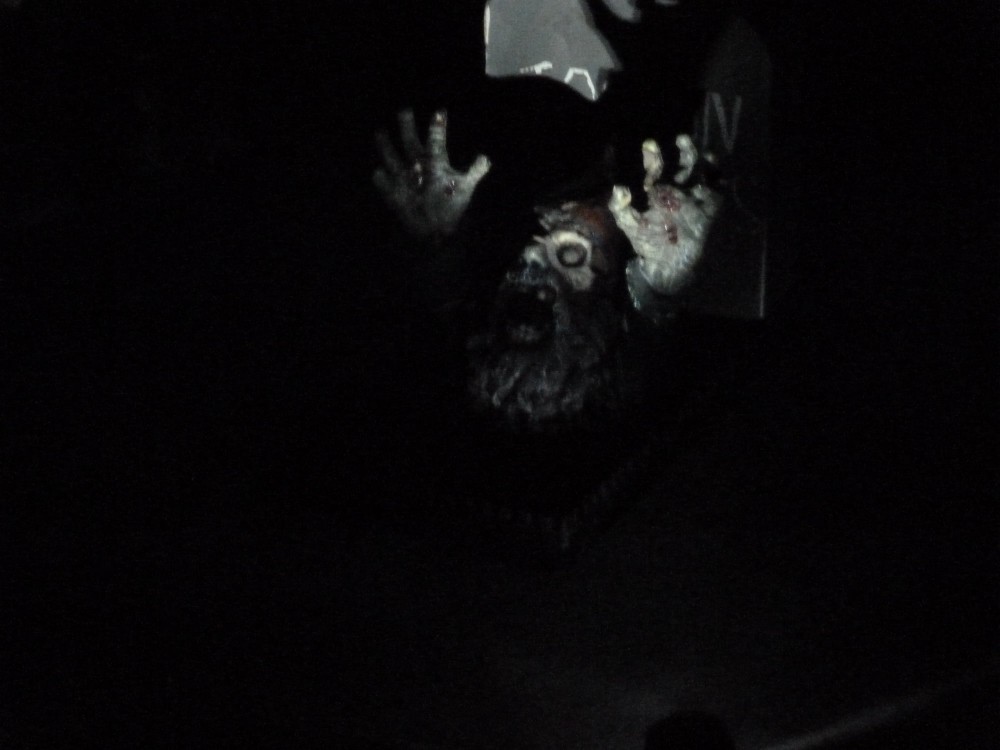
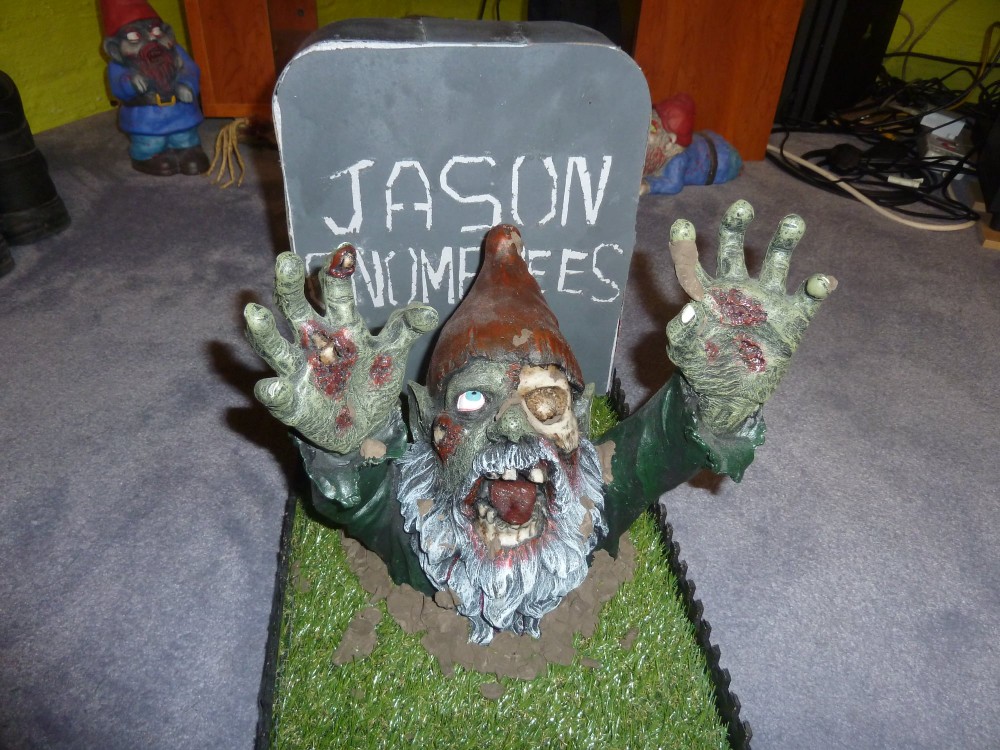
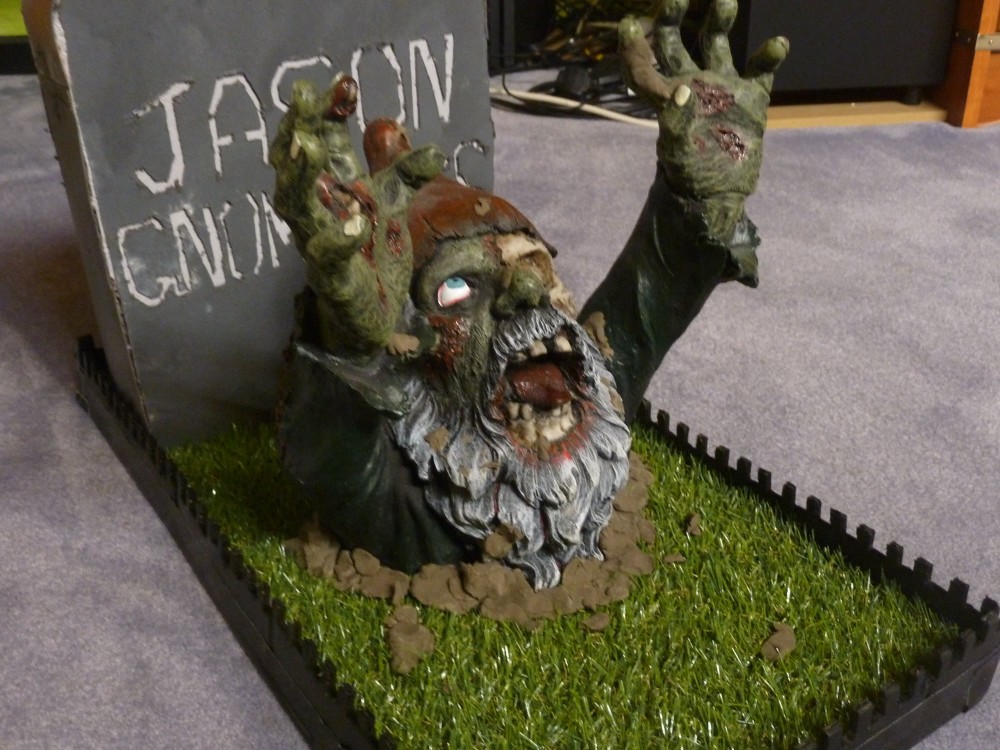
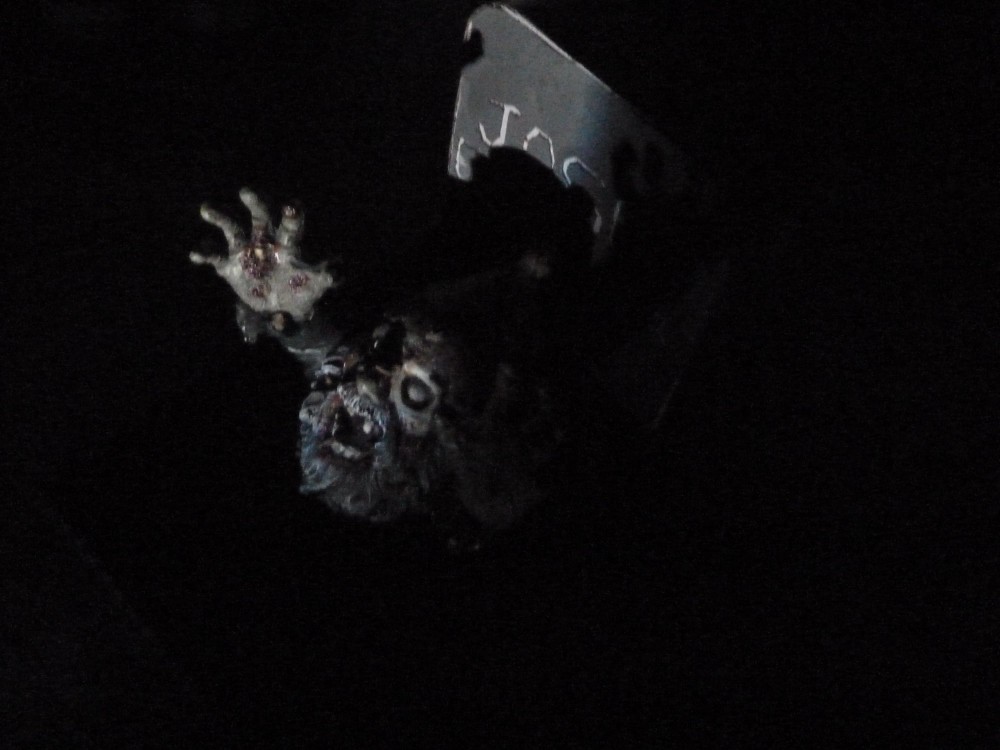
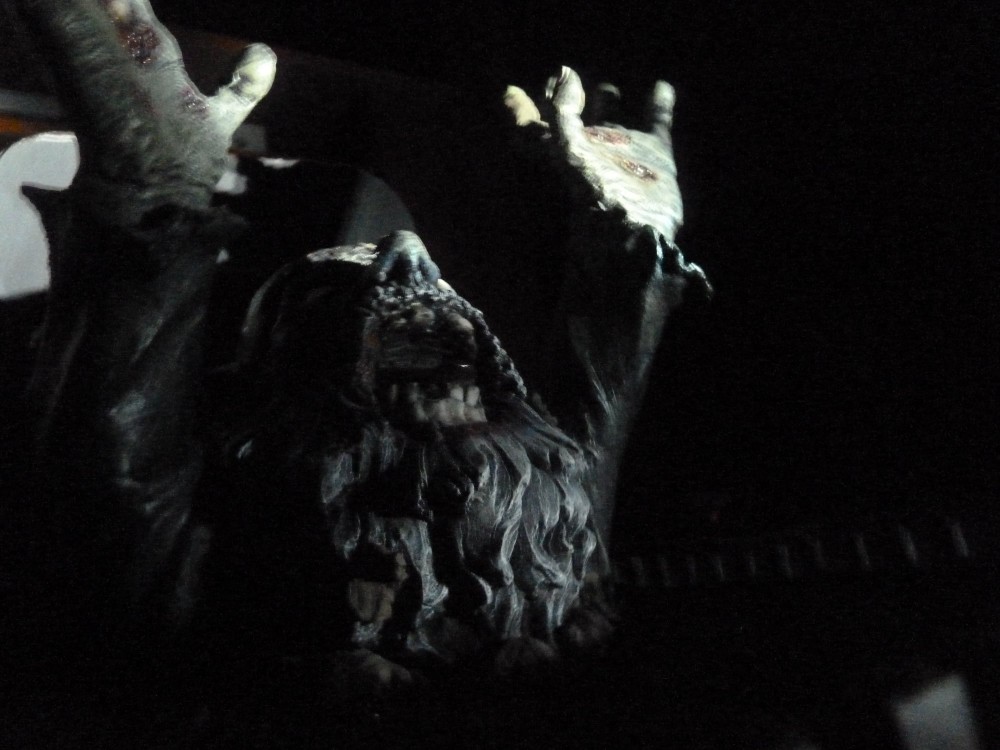
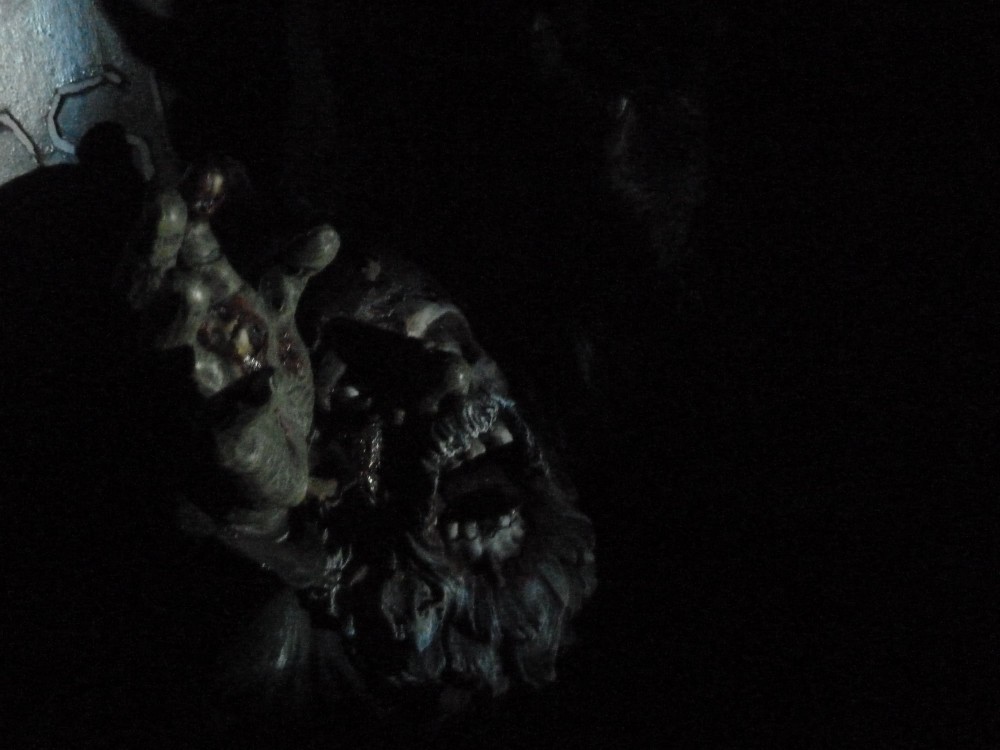
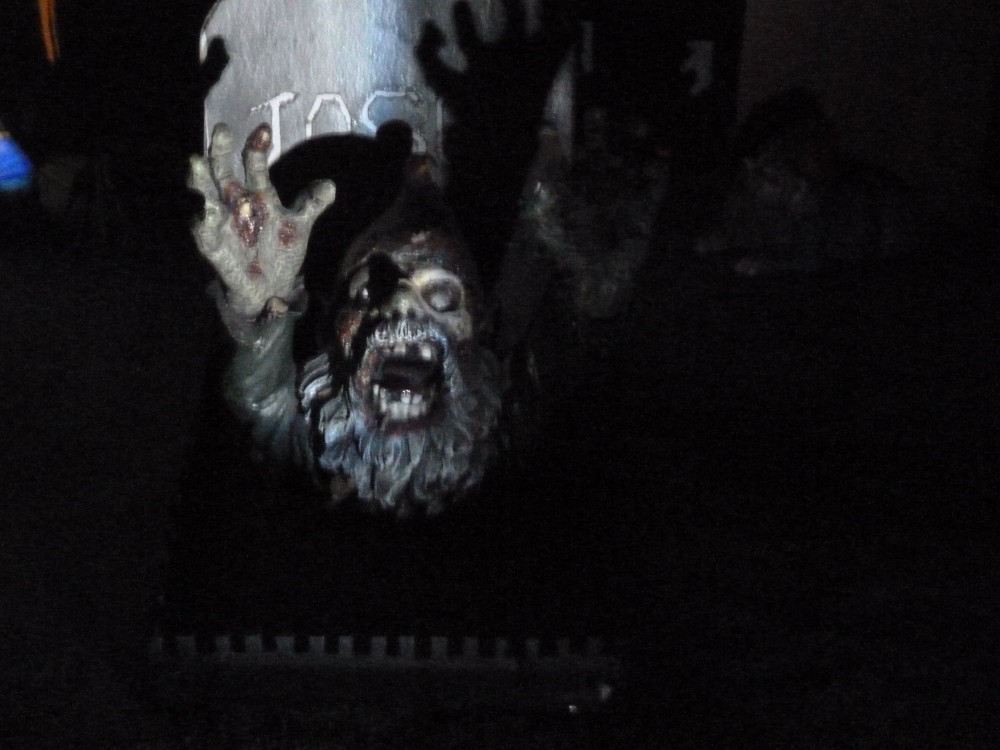
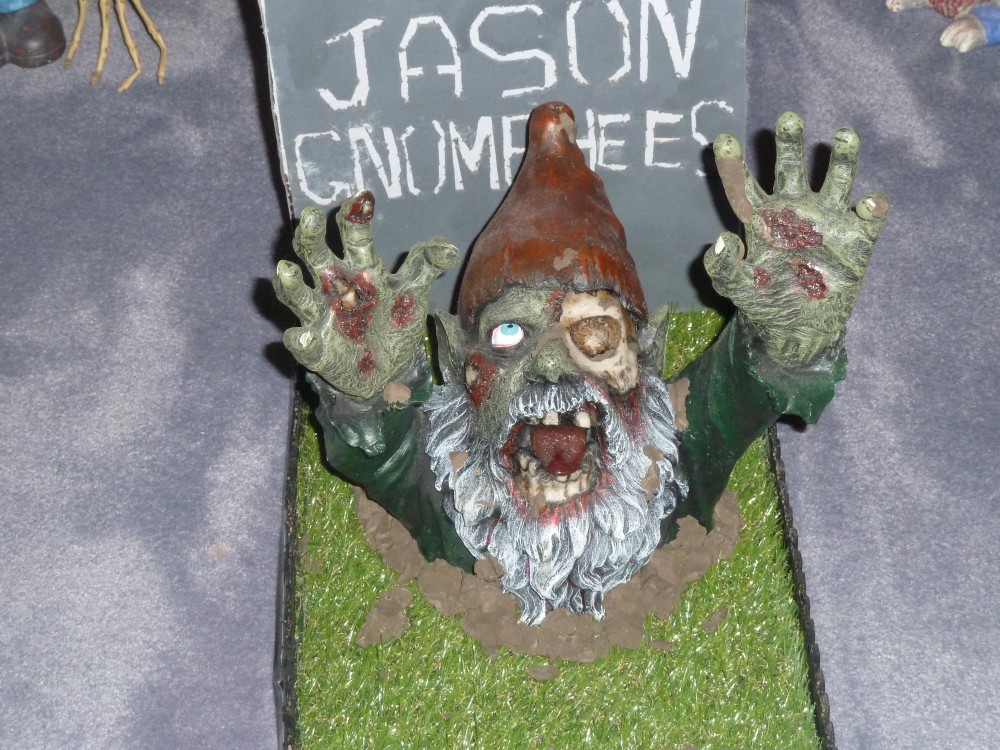
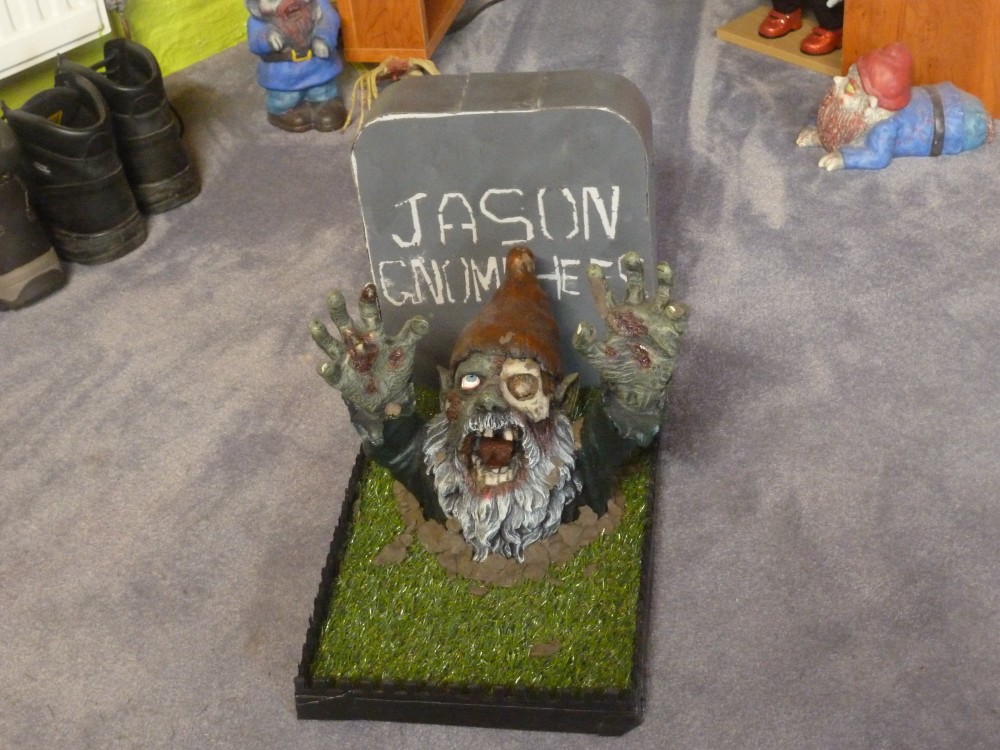
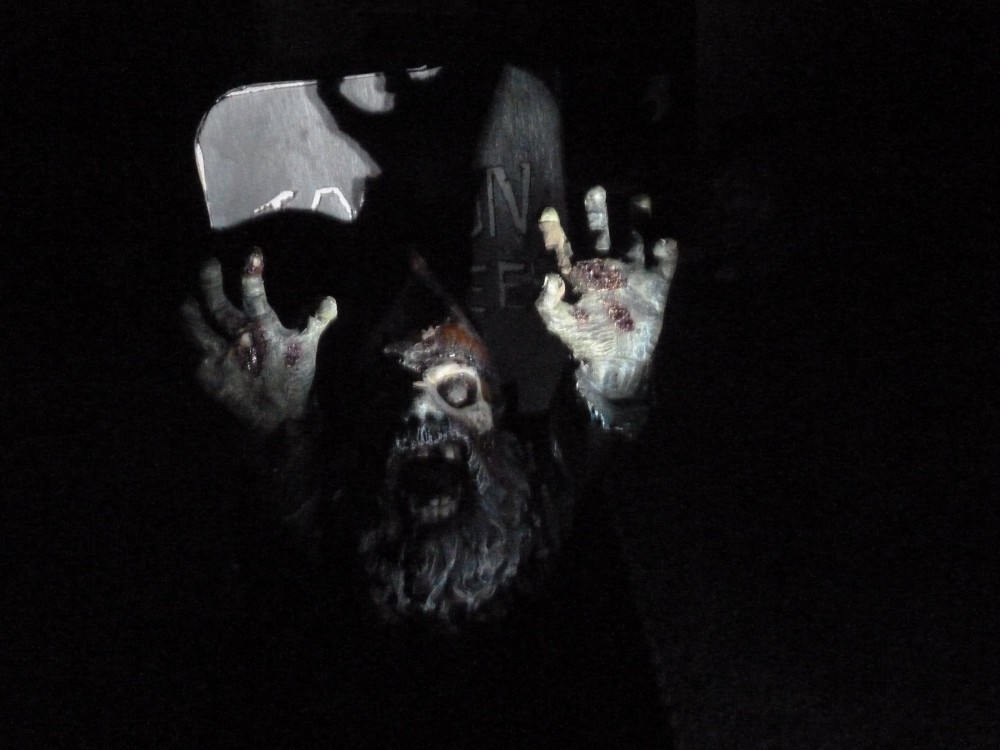
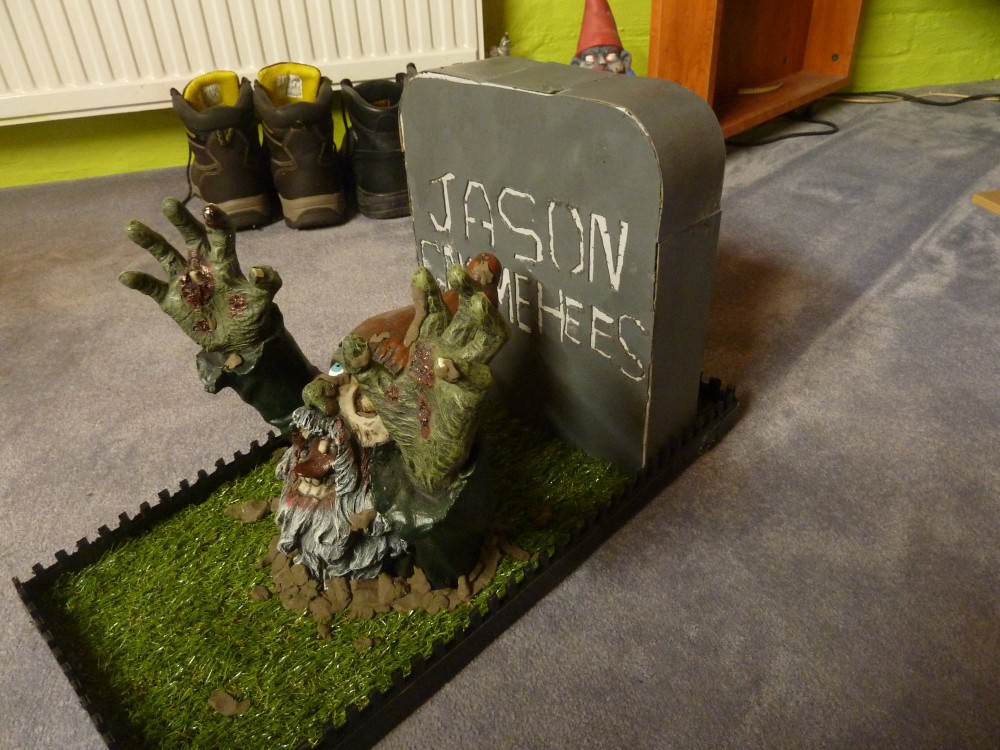
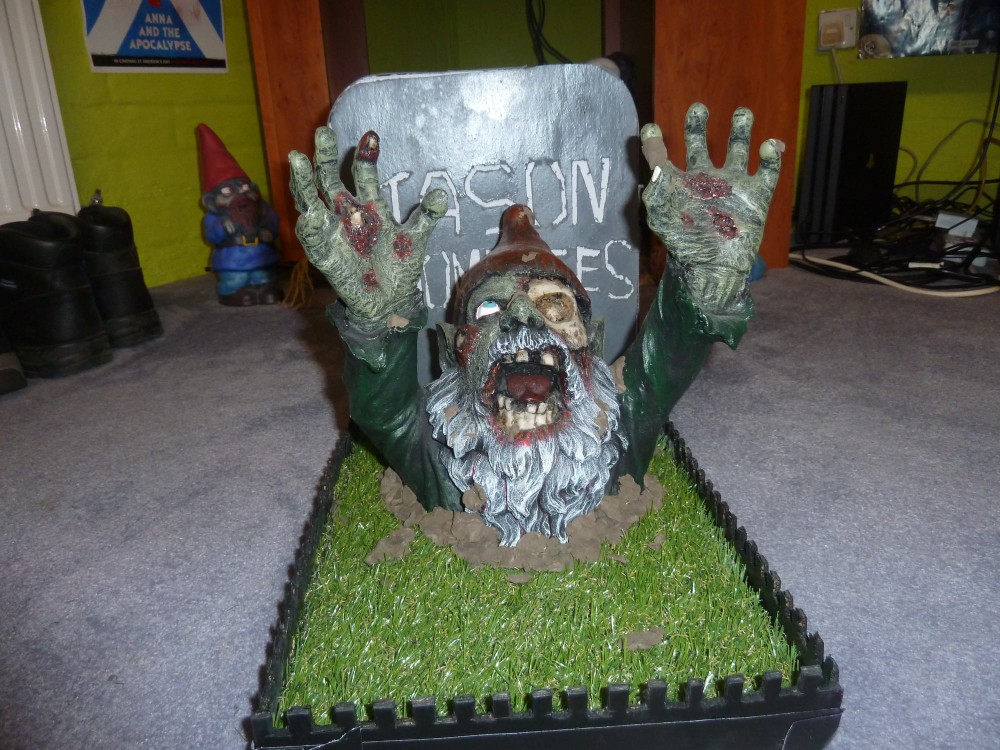
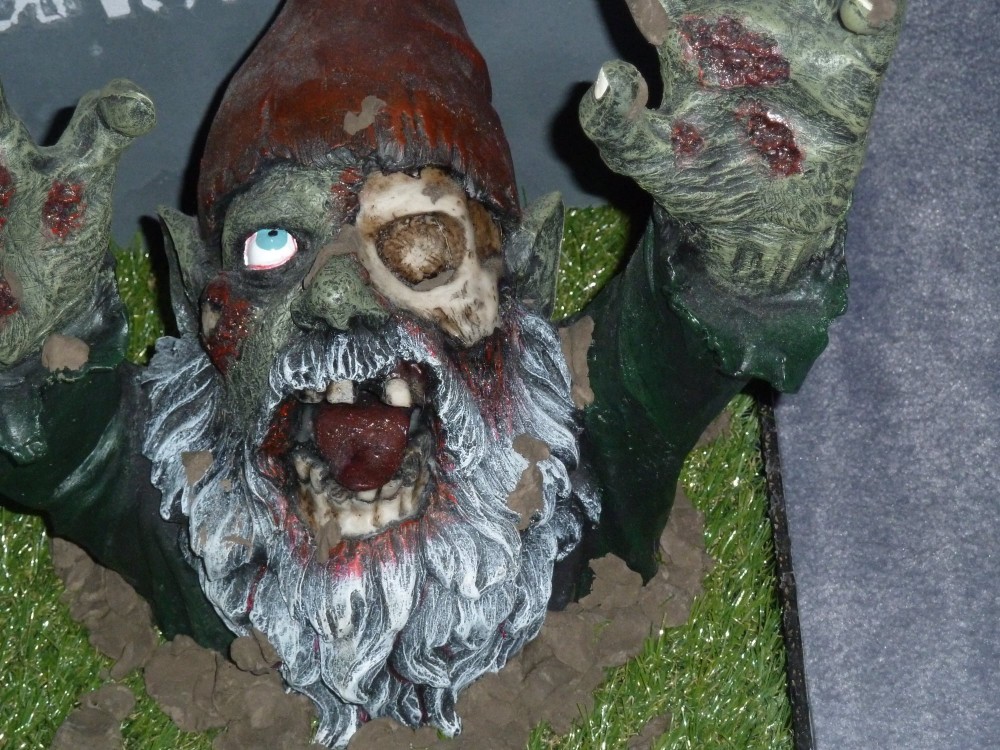
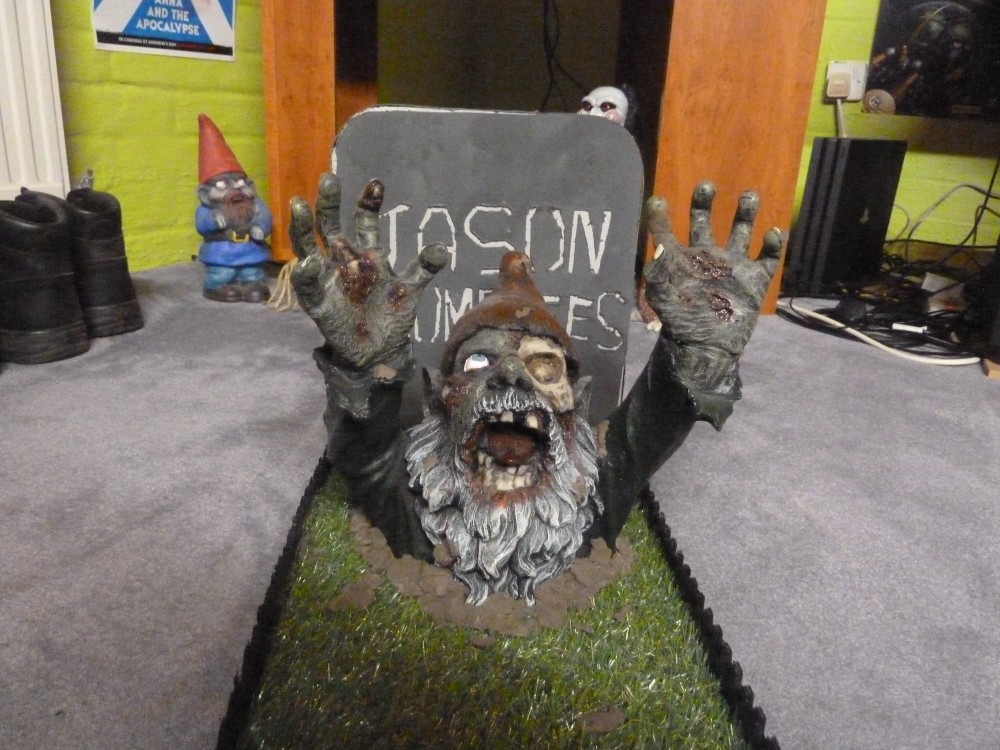
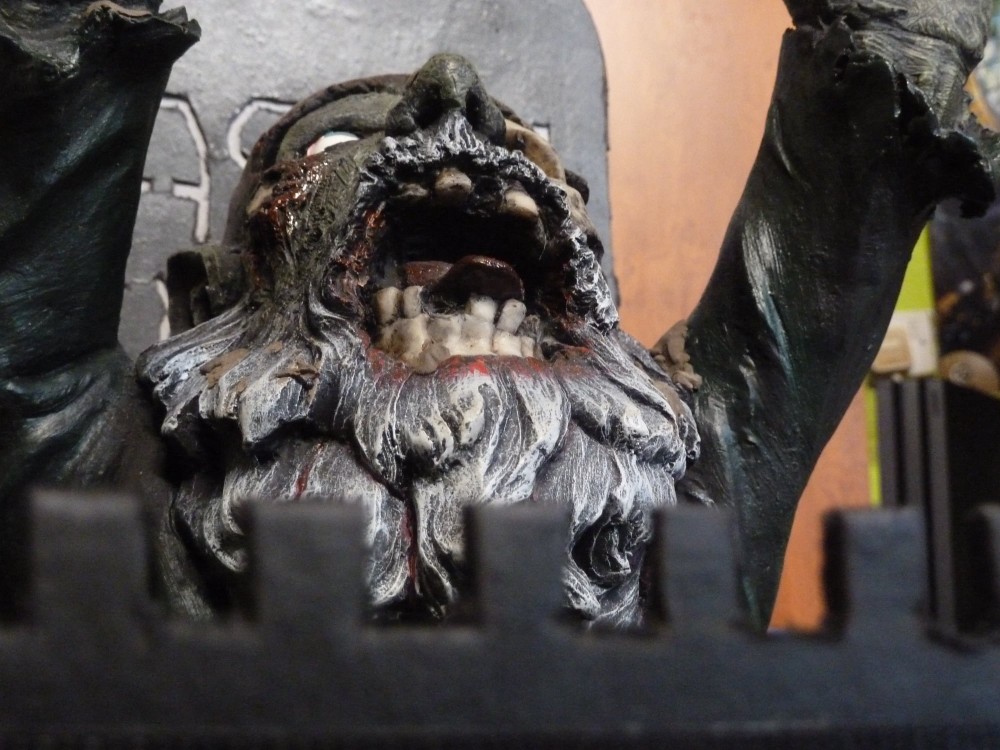
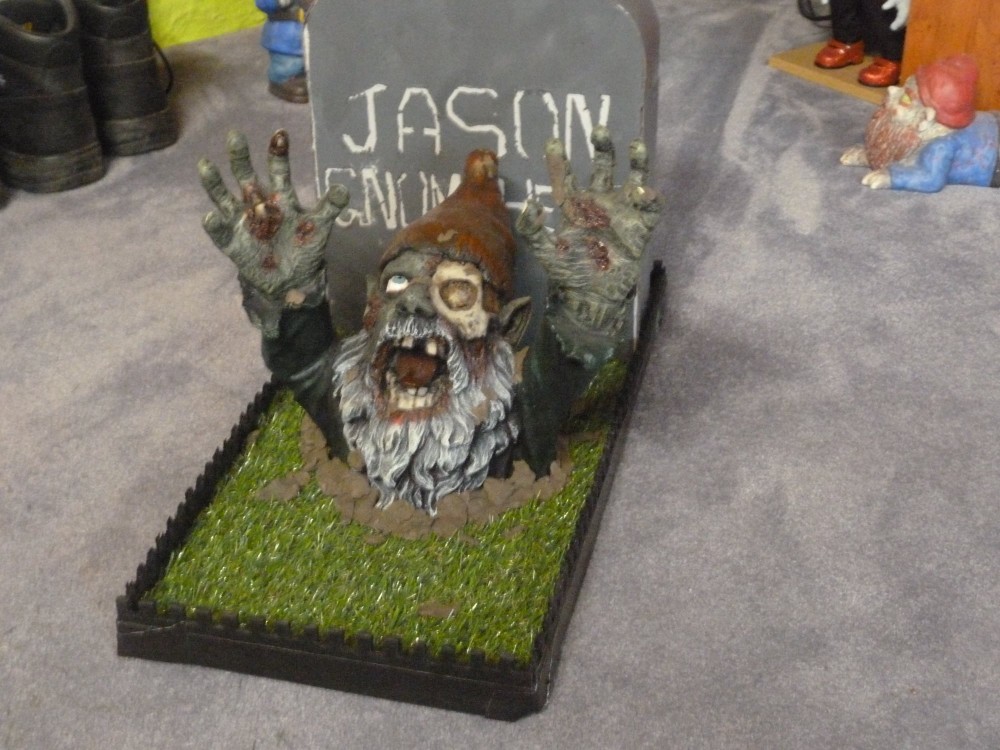
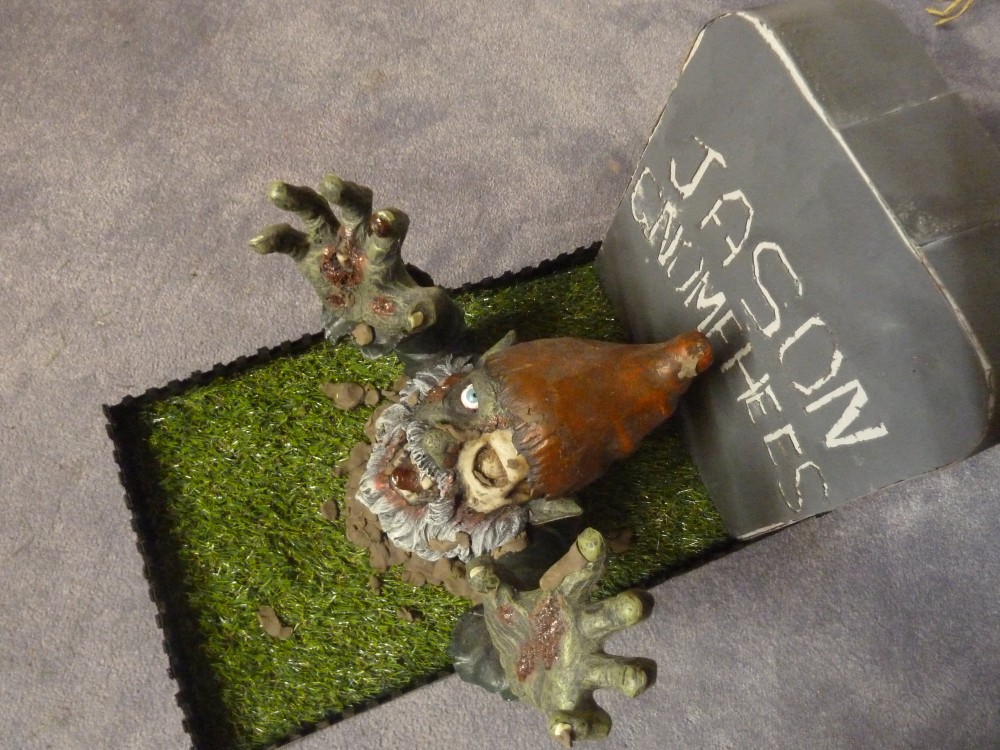
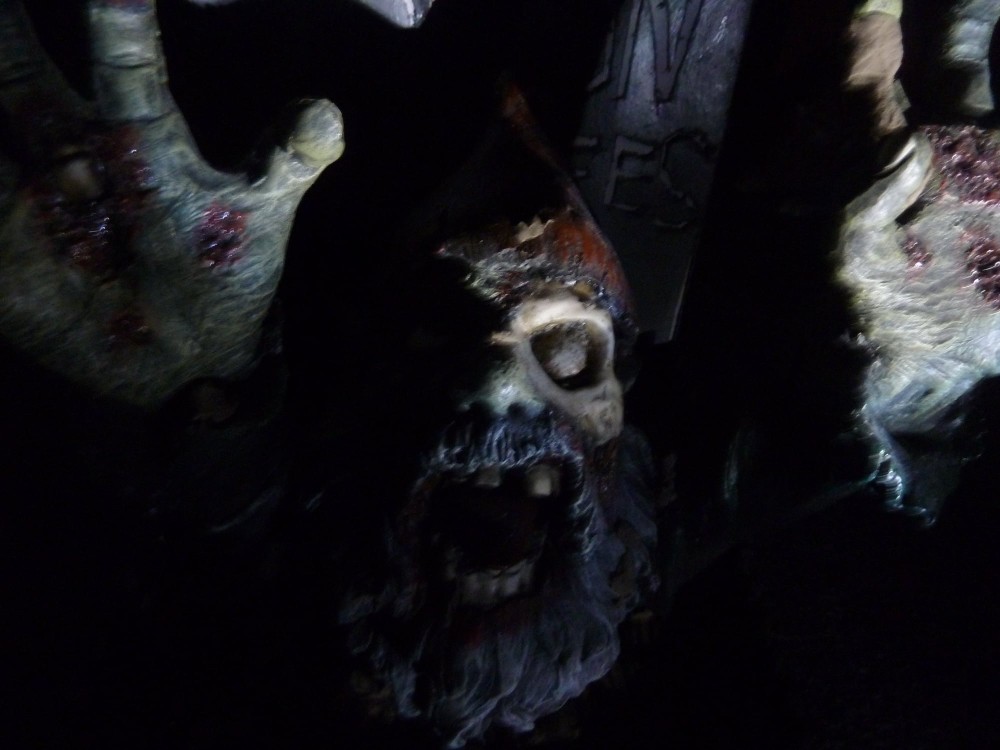
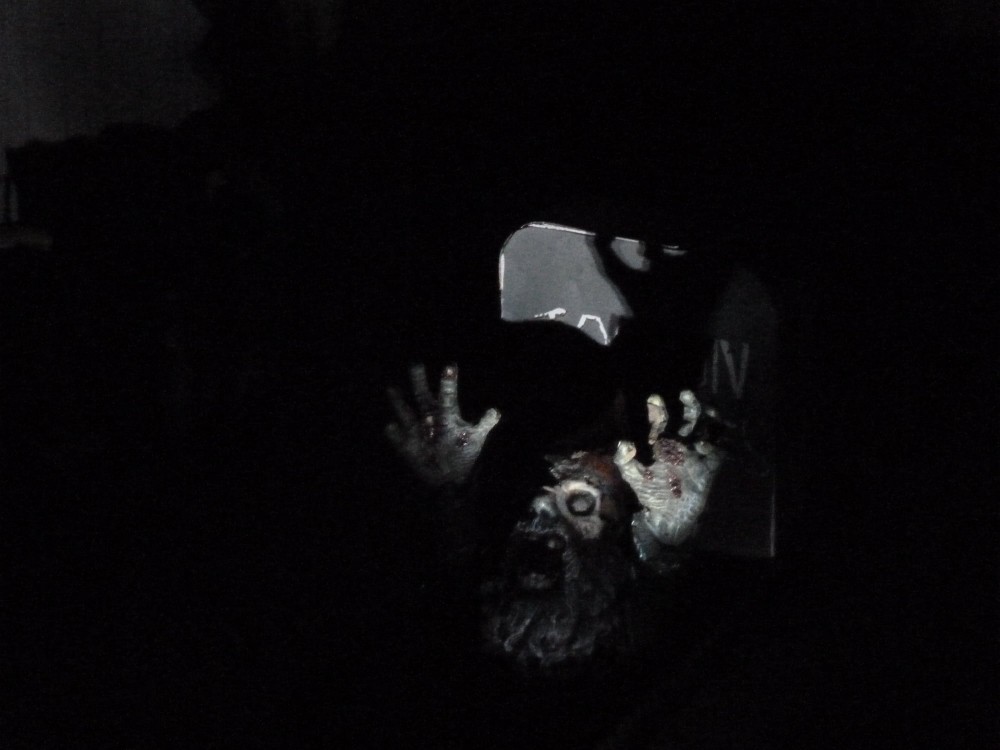
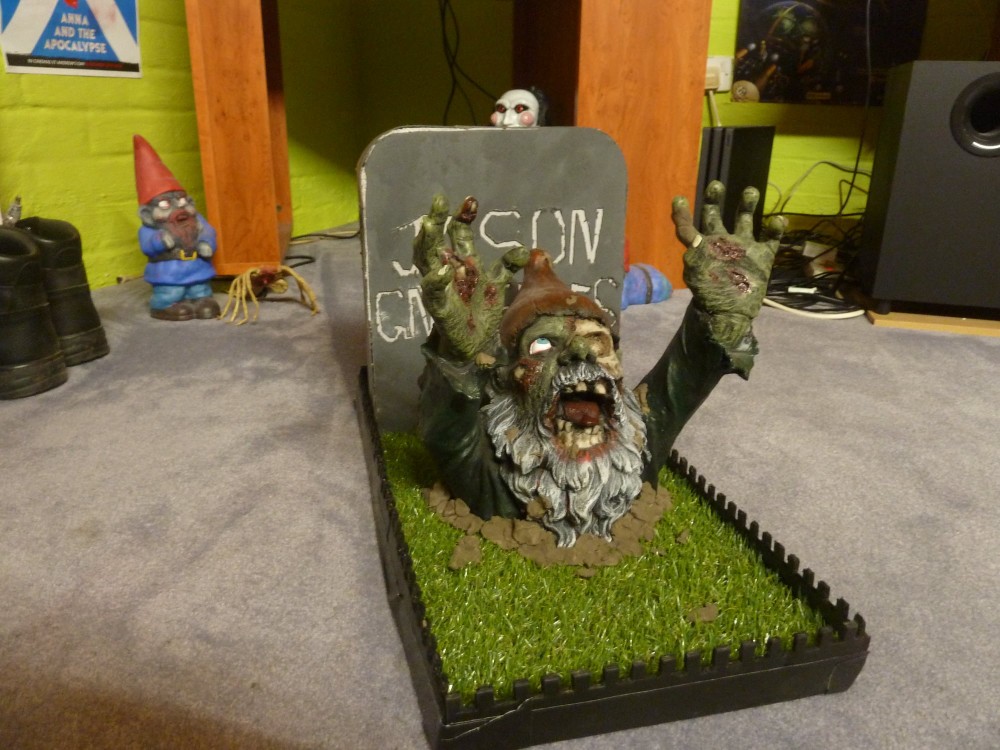
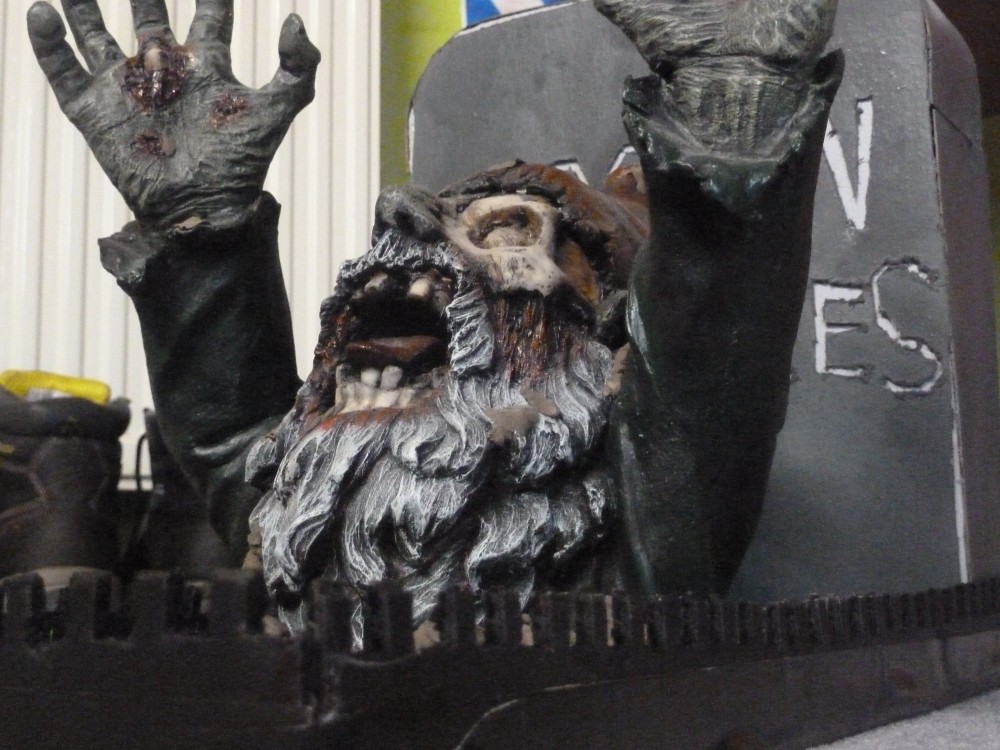
One year, for Christmas, I was given a Zombie Gnome – one that is only the upper-half of a body so, when placed on earthy ground, it looks as though the grotesque creature has burst through the ground; a Zombie risen from the grave. Now, I love my Zombies, and this undead monstrosity was simply too awesome, too ground-breaking and too detailed to place outside in a real garden considering the harsh Scottish environment. However, I did not just want the gnome to sit idly on a shelf, not doing the ‘gnomish’ things he was made for. I, therefore, set about creating a ‘mini-diorama’ that my ghoulish friend could inhabit – keeping him safely indoors but still achieving the natural “bursting from the grave” image.
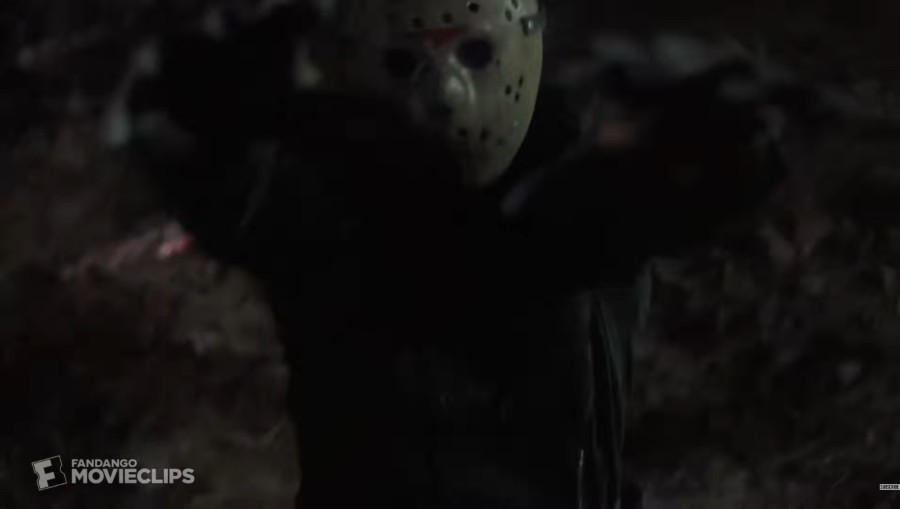
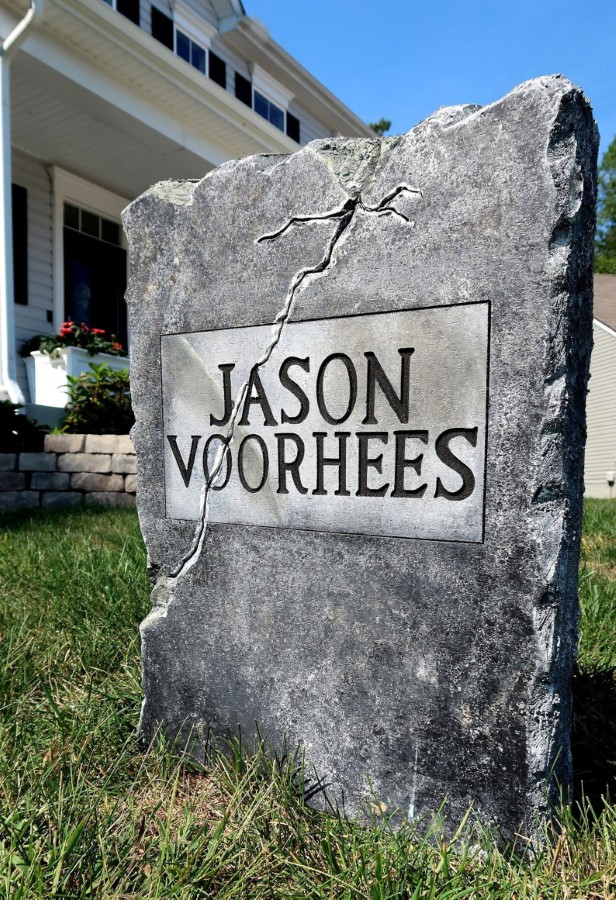
I took inspiration from the scene in Friday the 13th Part VI: Jason Lives (my favourite of the Friday the 13th movies) where Jason, in perversely comical fashion, keeps jolting up from the ground after being shot, arms outstretched, ready to kill.
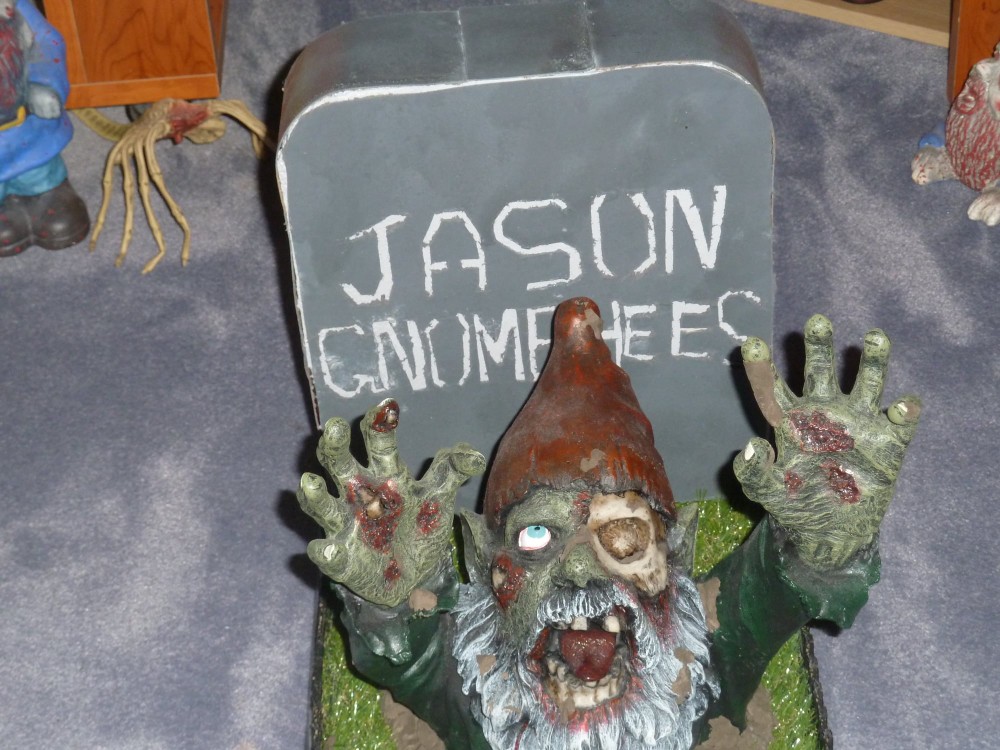
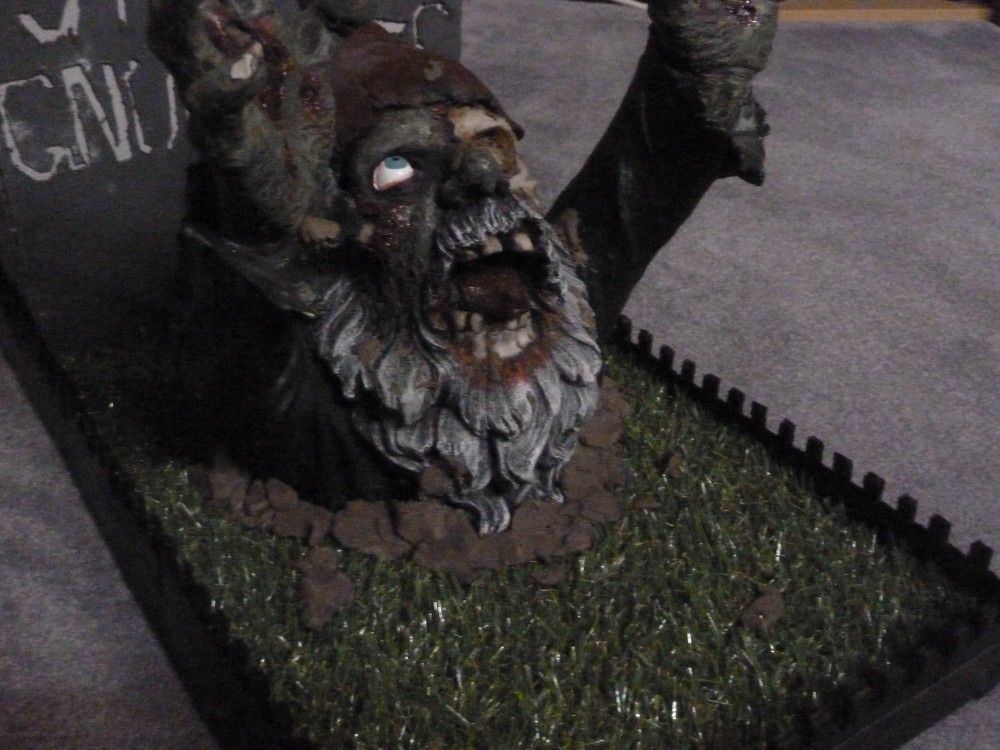
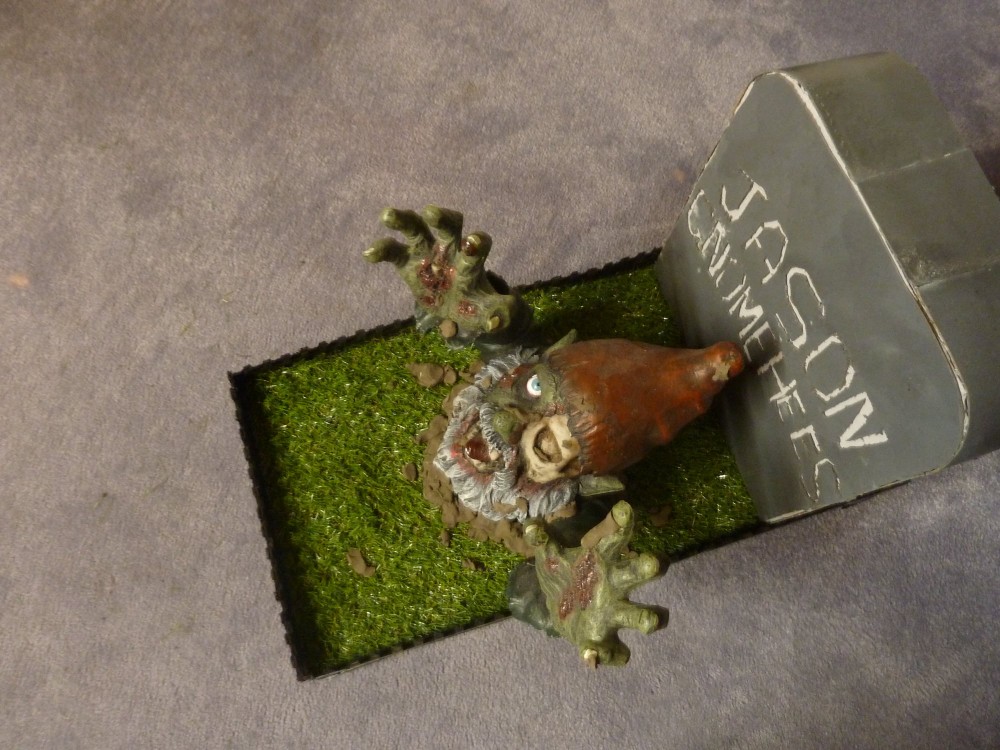
I started the ‘mini-diorama’ on a stiff woody-cardboard base (cut from the back of an old desk), added some fake grass, placed the gnome, surrounded him with brown plasticine to mimic the dirt thrown up as he bursts from the ground (I put some small chunks on the gnome too) and put a large cardboard gravestone, emblazoned with the words “Jason Gnomehees” – which I made myself – at the back. I enclosed the whole build with a black fence pattern – cut from cardboard – both to cover any rough edges and to increase the whole ‘cemetery’ vibe.